See all servicesAPI Integrations & Business Automation
Vlad Sedenko · Web Product DeveloperService / Independent specialist
Stop running your business by hand
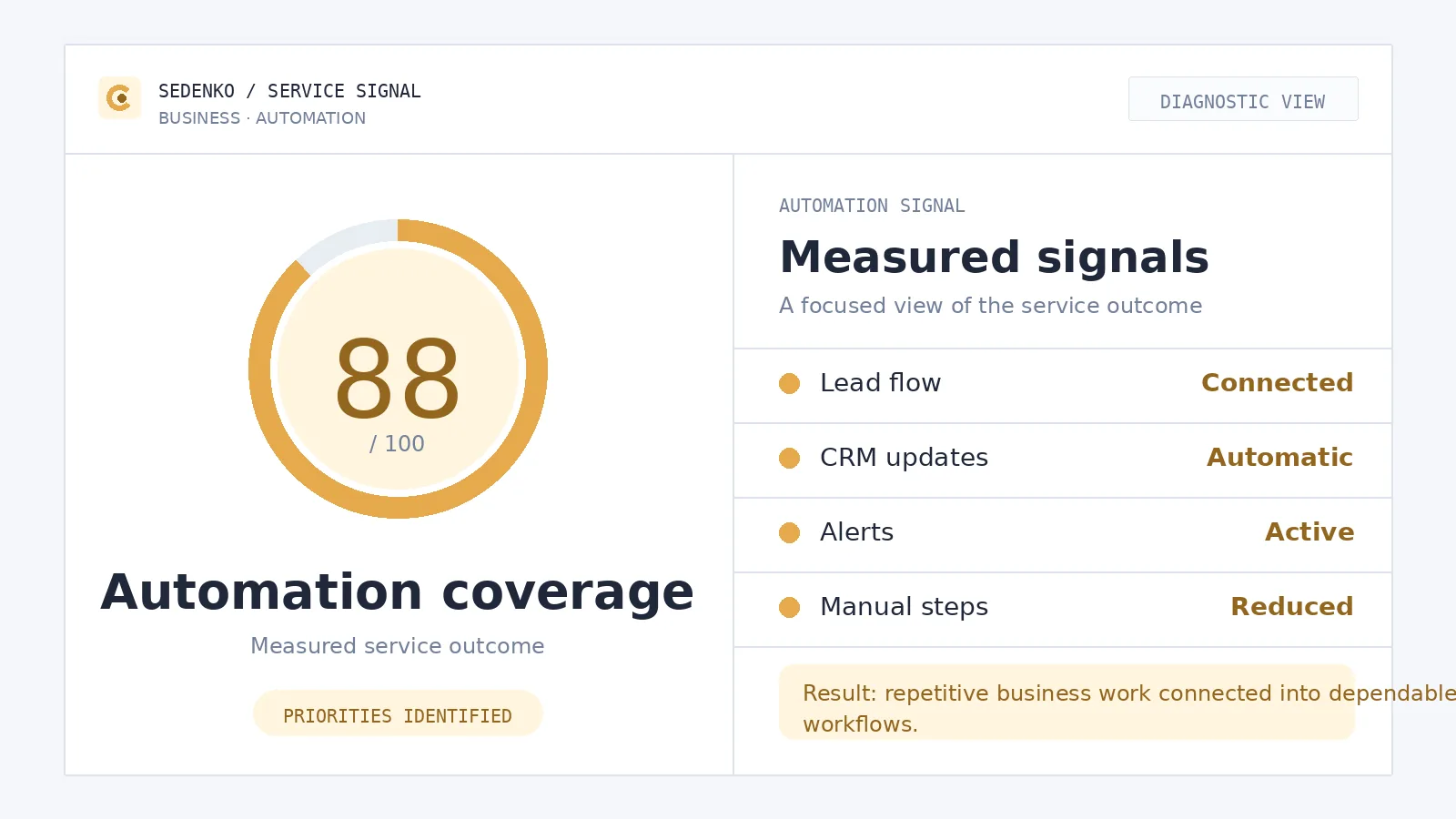
If your leads live in an inbox, your invoices are made by hand and your reports depend on copy-paste, important work is tied to avoidable manual steps. I connect the tools you already use through APIs, webhooks and purpose-built workflows so information moves reliably between systems — a week of work that saves hours every week after.
- Leads captured and routed into a CRM instead of a mailbox
- Bookings, confirmations and reminders on autopilot
- Invoices, payments and follow-up emails triggered automatically
- Dashboards and reports that build themselves
- Documented flows in accounts you own — no black box
/ Fit
Who this is for
Service businesses
Drowning in enquiries, scheduling and follow-ups.
E-commerce and SaaS teams
Doing repetitive back-office work by hand, order after order.
Consultants and small teams
Losing leads between disconnected tools.
Founders as human glue
Personally ferrying data between the website, CRM and invoicing.
Spreadsheet-and-inbox operations
Anyone whose "system" is really a spreadsheet and a full inbox.
You don't need an operations department for this to make sense. The smaller the team, the more expensive every manual step is — because the person doing the copy-pasting is usually the person who should be selling, delivering or building instead.
/ Symptoms
Signs you need automation
You rarely wake up one day and decide "we need automation". It creeps up as a set of small, familiar annoyances:
Leads sit in an inbox instead of a CRM
Someone has to notice the email, copy the details over, and remember to reply. On a busy week, some simply don't get answered.
Invoices and confirmations made by hand
Every booking, order or signed deal means someone opens a template, fills in the same fields again and hits send — and occasionally forgets.
Copy-paste between tools
The same customer name typed into the CRM, the invoicing tool, the mailing list and a spreadsheet. Four chances for a typo, four places that drift out of sync.
Reports built by hand
End of the month, someone exports three CSVs, merges them in a spreadsheet and formats a summary nobody fully trusts.
Follow-ups depend on memory
"I'll write back to them on Thursday" works until Thursday gets busy.
Only one person knows how anything works
The process lives in someone's head, and when they're on holiday, it stops.
If three or more of these sound familiar, the fix is rarely more discipline. It's removing the manual step entirely.
/ Scope
What I automate
Lead capture → CRM flows
Website forms, chat and email enquiries land in HubSpot, Pipedrive or another CRM with the right owner, tags and source attribution. The team gets notified; the lead gets an immediate, correct response.
Booking confirmations and reminders
Calendars, confirmation emails and reminder sequences connected so no-shows drop and nobody sends "just confirming our call" by hand.
Invoicing and payments
Invoices generated from deals, orders or bookings; Stripe or PayPal payment status synchronized back; receipts and overdue reminders triggered automatically.
Follow-up emails
The right message at the right moment after an enquiry, purchase, booking or quiet period — written by you once, sent reliably ever after.
Document generation
Contracts, proposals, quotes and reports filled from CRM or form data instead of copy-pasted into templates.
Self-building reports
Business events flow into dashboards or a weekly summary email automatically, so the numbers are there before anyone asks.
Connecting your whole toolset
Site, CRM, email and payment tools — plus Google Sheets, Airtable, Notion, WordPress, headless CMS, accounting software and internal databases, kept in sync through APIs, webhooks and event flows with proper error handling and retries.
AI-assisted steps
Drafting replies, classifying enquiries, extracting data from PDFs and forms, summarizing calls and threads — with human review wherever the output faces a customer.
/ Tools
How I choose tools — honestly
There is a hierarchy, and I follow it in order:
Native integrations first
If your CRM already connects to your email tool with a checkbox, we use the checkbox. Zero code, zero extra cost, maintained by the vendors themselves.
n8n or Make second
When there's no native option, a workflow platform gives you transparent, visual flows that you can open, read and adjust yourself. I set them up in your account, not mine.
Custom code last
When an API isn't covered, the data needs real validation and transformation, or reliability requirements are strict, I write purpose-built integration code against REST or GraphQL APIs and webhooks — tested, monitored and documented.
/ Economics
A week of work that saves hours every week after
That's the honest economics of this service. A typical engagement is measured in days, not months: we map the process, connect the tools, test with real data and hand over. From then on, the flow runs every day without you — the lead routing, the confirmations, the invoices, the report. The manual work it replaces doesn't come back next week, or the week after.
That's also why I insist on a fixed written scope before starting: you should know exactly what will be automated, what it depends on, and what it costs to run — before committing anything.
/ Deliverables
What you get
Automations in your own accounts
Every tool, workflow and API key belongs to you from day one. If we part ways tomorrow, everything keeps running.
Documentation for every flow
What triggers it, what data moves where, what happens on failure, and how to pause or change it. Any developer can pick it up; no black box.
Error handling that speaks up
Failed steps retry, and real failures notify a human instead of silently dropping data.
A clear map of your data
You'll know exactly which systems hold what — which matters for both operations and GDPR.
A senior developer, not an agency chain
You talk directly to the person doing the work.
/ Process
How it works
Free 20-minute call
You describe where the time goes; I tell you honestly what's worth automating and what isn't. No obligation.
Automation audit
I map the current process end to end and find the biggest time drains and failure points.
Fixed written scope
A prioritized plan covering systems, data ownership, triggers, failure handling, running costs and acceptance criteria, with a fixed price.
Build & connect
I implement the integrations and workflows in your accounts and test them with representative real-world data.
Handover & support
Documentation, a walkthrough for your team, and ongoing tweaks as your business changes — on your terms, not a forced retainer.
10+
years in web development
120+
launched projects
24h
reply, EU-based
/ Honest check
When NOT to automate
Part of the job is telling you when the answer is no.
The process is broken
Automating it makes it broken faster. When leads get inconsistent replies because nobody agreed what a good reply is, a workflow will just send the wrong answer more efficiently. We fix the process first, then automate the fixed version.
It happens twice a year
Automation pays for itself through repetition. A rare, fiddly task is often cheaper as a documented manual checklist.
The process changes weekly
Automate the stable core and leave the moving parts manual until they settle. Rebuilding flows every sprint burns the savings.
A human decision is the actual value
Pricing a custom deal, judging a sensitive reply — the automation should prepare the decision, not make it.
If your situation falls into one of these, I'll say so on the first call and save us both the project.
Get an automation audit
Tell me where your team spends time on repetitive work. I'll reply within 24 hours with the automations that would save you the most — no obligation, and the first 20-minute call is free.
Frequently asked questions
Which tools and platforms do you work with?
The ones you already use, whenever possible: HubSpot, Pipedrive and other CRMs, Stripe and PayPal, Google Workspace, calendars and booking tools, invoicing and accounting software, WordPress and headless CMS platforms, Google Sheets, Airtable, Notion and internal databases. For the connecting layer I use native integrations first, then n8n or Make, then custom code via REST or GraphQL APIs and webhooks when nothing off the shelf does the job reliably.
What happens to the automations if we change our CRM or another core tool later?
Every flow is documented: what triggers it, what data moves where, and why. When you swap a tool, we replace the affected steps rather than rebuilding from scratch — the logic and documentation carry over. Because you own all the accounts and the flows themselves, you are never locked into a setup only I can touch.
What do these automations cost to run and maintain?
Running costs are the subscriptions of the tools involved — a Make or n8n plan, your CRM, your email tool — and I tell you the expected monthly figure in the written scope before we start, choosing the cheapest option that works reliably. Maintenance is minimal by design: documented flows with error notifications, so most setups run for months untouched. When something does need a tweak, you can hire me for it or hand the documentation to any developer.
Do you use AI in the automations?
Only where it genuinely helps — drafting replies for a human to approve, classifying incoming enquiries, extracting data from documents, summarizing long threads. Deterministic steps like moving a lead into the CRM or generating an invoice stay plain logic, because they must work the same way every time. Where AI is used, I tell you exactly which model sees which data, and anything customer-facing keeps a human review step.
Is my customer data safe in these workflows?
The data stays in your accounts — I build inside tools you own, under your logins, with credentials stored in your vaults rather than mine. I am EU-based and used to GDPR constraints: we minimize what each connected tool actually receives, avoid routing personal data through services that don't need it, and document every place customer data flows so you can answer that question yourself at any time.
Related / Services
Related services
01
Analytics & Conversion Tracking
Analytics and conversion tracking for websites, stores and SaaS products: GA4, GTM, consent, advertising pixels, business events and verified reporting you can trust.
Analytics & Conversion Tracking →02SaaS Development
SaaS and web application development for founders and small businesses: architecture, accounts and roles, Stripe subscriptions, dashboards, admin panels and client portals — built by one senior developer, from MVP to a product that scales.
SaaS Development →03Web App QA & Testing
Independent QA and testing for websites and web applications: critical user flows, responsive and cross-browser checks, integrations, accessibility basics and automated end-to-end coverage.
Web App QA & Testing →