See all servicesSpeed Optimization
Vlad Sedenko · Web Product DeveloperService / Independent specialist
Make your website fast, and prove it with numbers
A slow site quietly costs you: visitors leave, Google ranks you lower, and ad budget buys fewer conversions. I find what's actually slowing your site down, fix it with my own hands, and show you the before/after — on real devices and real connections, not just a lab score. One senior developer, 12+ years of building for the web, no agency layers between you and the person doing the work.
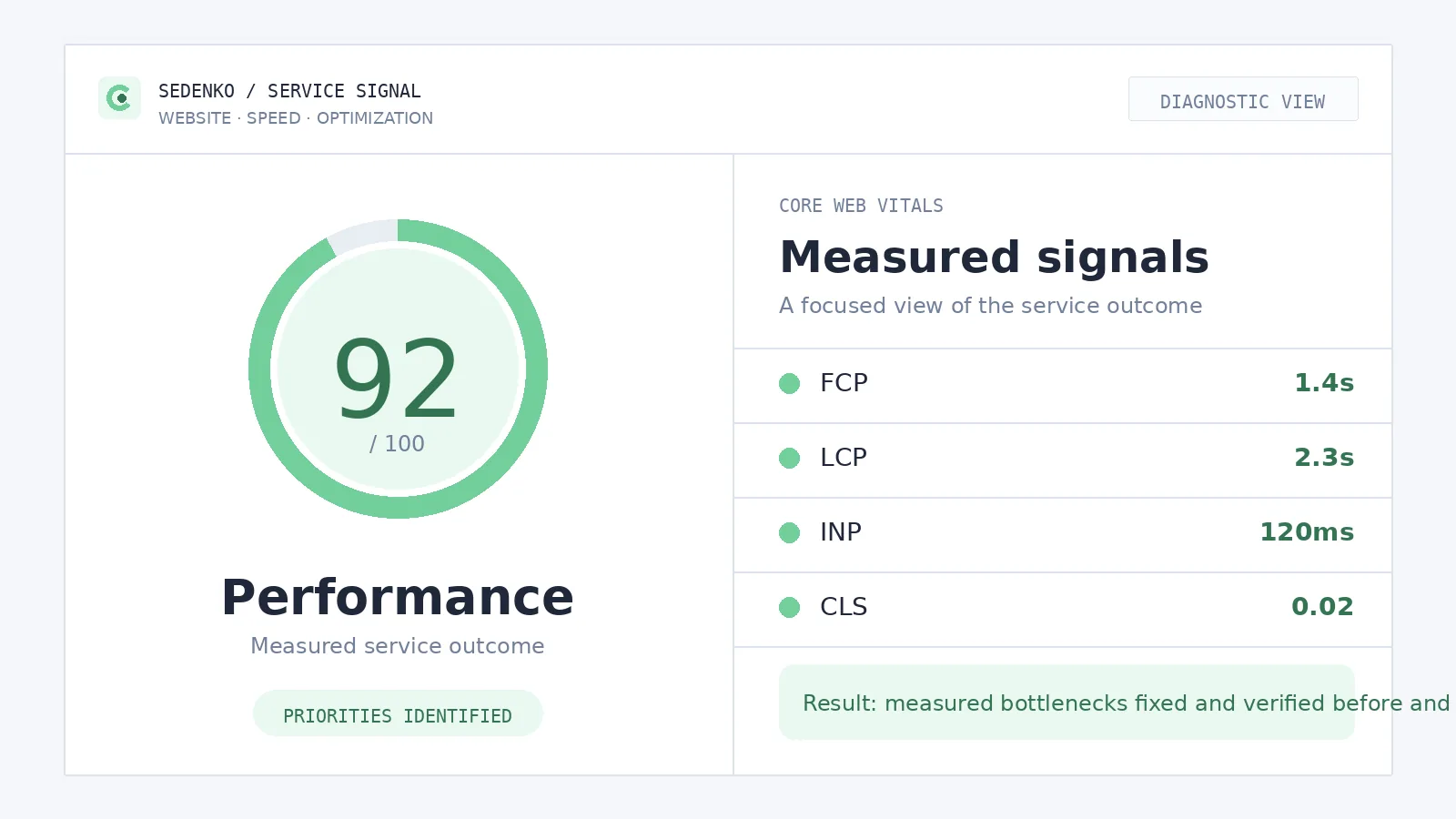
- Core Web Vitals (LCP, INP, CLS) brought into the green
- Faster load times on real phones and connections, not just lab tools
- Works on WordPress, WooCommerce, Next.js and custom sites
- Documented before/after measurements you can show your team
/ Fit
Who this is for
The site 'feels slow'
Visitors leave before the page even finishes loading — and analytics shows it as high bounce and short sessions.
Heavy WordPress / WooCommerce
A page-builder theme, a dozen plugins, and every product page dragging — the classic accumulated-weight case.
Failing Core Web Vitals
Search Console keeps flagging LCP or INP, and the warnings never go away on their own.
Ads land on slow pages
You pay for every click, then lose a share of them before the landing page renders. Speed is the cheapest fix in the funnel.
Checkout lags where money moves
Product and checkout pages are the worst place to be slow — and in stores they usually are.
Quoted a rebuild, want a second opinion
Before paying for a full redesign, it's worth knowing whether a focused speed pass gets you there for a fraction of the price.
If your site is fast but invisible to search engines, the problem is more likely crawlability and structure — that's technical SEO, a related discipline I also handle, and the two often get fixed together.
/ Why it matters
Speed is a money problem, not a technical one
Visitors don't wait
Every extra moment before your page becomes usable is a moment in which someone taps back and picks a competitor. On mobile — where most traffic lives — patience is shortest. A slow page never gets a chance to persuade anyone: it never finishes arriving.
Slow pages convert worse
People who do wait arrive irritated. Laggy forms, unresponsive buttons, layouts that jump as images load — each erodes trust exactly when you're asking for a purchase or a contact request.
Google measures it
Core Web Vitals — LCP, INP and CLS — are part of Google's page experience signals, collected from real Chrome users on your site. Failing them means competing with a handicap, and Search Console will keep telling you so.
There's a quieter cost too: every ad click you pay for lands on those same slow pages. When a page loses visitors before it renders, your effective cost per conversion goes up without a single change to your campaigns. Speed optimization is often the cheapest "marketing" improvement available — you already paid for the traffic.
/ The work
What I actually do
Speed work fails when it's a checklist of generic tips. Every slow site is slow for its own specific reasons, so the work always starts with measurement and ends with measurement. In between, the usual suspects:
Images & media
Modern formats, correct sizing per device, lazy-loading below the fold — and the hero image (usually your LCP element) prioritized instead of queued behind everything else.
Fonts
Self-hosting where it helps, subsetting, and loading strategies that make text render immediately instead of flashing or shifting.
Scripts & third parties
Every tag, tracker, chat widget and plugin script audited. What can wait is deferred, what nobody uses is removed, and third-party code is isolated so one slow vendor can't block your whole page.
Render-blocking resources
CSS and JavaScript delivery restructured so the browser paints the page early instead of waiting on files it doesn't need yet.
Caching & CDN
Page caching, object caching and a properly configured CDN — repeat visits and far-away visitors get served fast, and your server stops redoing the same work per request.
Server & database
On WordPress and WooCommerce, often the hidden killer: slow plugin queries, bloated autoloaded options, cart fragments firing on every page. I profile what the server actually does per request and cut the waste.
Everything above is verified where it counts: on real phones, on real connections, against field data. Every change is measured before and after — Lighthouse for lab diagnostics, CrUX for what real visitors experience. You see the same numbers I do.
/ Honest answer
Speed pass or rebuild?
Not every slow site should be optimized. Some should be rebuilt — and a developer who only sells optimization will never tell you that. Since I do both, here's the decision framework I actually use:
A speed pass is usually right when…
-
The bottlenecks are classic — images, scripts, caching, a few heavy plugins — not the architecture itself
-
The design and content still serve the business; you like the site, it's just slow
-
You need results in weeks, not a months-long project
-
The budget conversation is "fix this", not "rethink this"
A rebuild becomes cheaper long-term when…
-
The theme or page builder generates so much markup that every optimization fights the foundation
-
You'd be optimizing a site you already plan to redesign — paying for the speed work twice
-
The platform no longer fits what the business has become
-
Accumulated plugins and patches mean every fix risks breaking something else
/ Deliverables
What you get
Documented baseline
Where your site stands today: Lighthouse lab data, CrUX field data and real-device measurements, saved before anything is touched.
A prioritized plan — implemented
Fixes ordered by impact versus effort, then actually done — not handed over as a PDF of recommendations. The cheapest wins land first.
Before/after report
The same pages, measured the same way, so the improvement is visible and attributable. Numbers you can show your team, your boss or your agency.
Monitoring set up
Core Web Vitals tracking so regressions are caught when they happen — not six months later when Search Console complains.
Everything documented, owned by you
What was changed, why, and how to keep it fast. No dependency on me to understand your own site.
/ Process
How we work together
Free 20-minute call
You describe the site and the symptoms; I tell you honestly whether speed work is likely to help and what I'd look at first.
Speed audit
I measure the current state on real devices, profile the server and frontend, and find what's actually slowing you down.
Fixed written scope
The prioritized fixes, what each one addresses, and the price. No open-ended hourly meter.
Implementation
Fixes applied carefully — staged, incremental, verified against your key flows — and re-measured at each step.
Report and monitoring
Clear before/after Core Web Vitals and load times, plus monitoring so the gains don't quietly erode.
12+
years in web development
120+
launched projects
24h
reply, EU-based
Request a speed audit
Send me your site. I'll reply within 24 hours with a first read on what's slowing it down and what a fix would involve — no obligation.
Frequently asked questions
Will speed optimization actually help my Google rankings?
It helps, but honestly: speed is one ranking signal among many, not a magic lever. Core Web Vitals are a confirmed part of Google's page experience signals, so a site that fails them competes with a handicap. Fixing speed removes that handicap and improves crawl efficiency, but it won't outrank better content on its own. That's why I treat it as one discipline alongside technical SEO, and I'll tell you upfront if your bigger problem is elsewhere.
My site runs on WordPress / WooCommerce. Can it really be made fast, or is the platform the problem?
WordPress itself is rarely the problem — the accumulated weight on top of it usually is: page-builder themes, a dozen plugins each loading their own scripts, unoptimized images and slow database queries. Most WordPress and WooCommerce sites I see have significant headroom without changing platform. When the theme or plugin stack is genuinely beyond saving, I'll say so and show you what a rebuild would cost by comparison, so you decide with real numbers.
Do I need a full rebuild, or is a speed pass enough?
In most cases a speed pass on the existing site is the right first move: it's cheaper, faster, and the measurements tell us exactly how far it can go. A rebuild only makes sense when the foundation itself is the bottleneck — a theme that fights every optimization, or a stack you've outgrown. The audit answers this question with data before you commit to either path, and I have no incentive to push you toward the bigger project.
How do you measure results? How will I know it worked?
Every engagement starts with documented baseline measurements: lab data from Lighthouse and field data from Google's Chrome UX Report (CrUX), plus tests on real devices and real connections — not just a desktop simulator. After each round of fixes I re-measure the same pages the same way and hand you a before/after report. If a fix doesn't move the numbers, you'll see that too. No cherry-picked screenshots.
Will optimization break my site? What about my plugins and integrations?
This is a legitimate risk with aggressive caching and script optimization, which is why I work carefully: changes are tested on a staging copy first, applied incrementally, and verified against your key user flows — forms, checkout, tracking — before and after each step. Everything is documented and reversible. You own all the work, and nothing goes live without passing the same checks a real customer's browser would run.
Related / Services
Related services
01
Technical SEO
Technical SEO audits and fixes: crawlability, indexing, site structure, structured data and Core Web Vitals, so search engines can find, understand and rank your site.
Technical SEO →02WooCommerce & Headless
WooCommerce development and headless commerce: keep WooCommerce as your backend and put a fast, modern frontend in front of it to speed up your store and lift conversions.
WooCommerce & Headless →03Website Redesign
Website redesign and modernization that improves speed, SEO and conversions without losing your existing search rankings.
Website Redesign →