Solutions
My team wastes hours on manual work — how do I fix it?
As a business grows, the busywork grows with it: chasing leads, copying data between tools, sending the same emails, building the same reports. It feels normal, but you're paying salaries for work software should do.
The manual work rarely arrives all at once. A lead lands in the inbox, so someone replies by hand. A deal closes, so someone types the details into the CRM, then again into the invoicing tool, then updates the spreadsheet the boss checks. Each step made sense when volume was low, but as the business grows those minutes multiply into hours, and the people you hired for judgment and relationships spend their days as human copy-paste machines.
The cost is not just the time — it's the leaks. Leads sit unanswered in an inbox over a busy weekend and go cold. A number gets fat-fingered from one tool into another and an invoice goes out wrong. The weekly report is late because the one person who knows how to build it is on holiday. None of it is anyone's fault; it's what happens when tools don't talk to each other and a person is quietly holding the whole process together.
01 / Analysis
Signs this sounds like you
- 01Leads live in an inbox and some slip through the cracks
- 02The same information gets typed into two or three different tools
- 03Invoices, confirmations and follow-ups are all sent by hand
- 04Reports mean someone copying numbers into a spreadsheet every week
02 / Analysis
Why it happens
- 01Tools that don't talk to each other, so a human becomes the glue
- 02Processes that grew ad-hoc and were never designed
- 03"We've always done it this way" — until the volume makes it painful
- 04A belief that automation means an expensive, risky IT project
03 / Analysis
How I fix it
- 01I map your current processes and find where the hours actually go
- 02I connect the tools you already use: forms into CRM, email, invoicing, calendars
- 03I automate the repetitive steps — routing, reminders, follow-ups, reports
- 04I document it and stay available as your processes change
How I'd approach it
I start by watching how the work actually happens, not how a manual says it should. I sit with your process end to end — where a lead comes in, who touches it, what gets retyped, where things wait — and I map it out so we can both see where the hours and the mistakes really come from. Almost always there are a few obvious, high-value steps worth automating first, and plenty that are fine left as they are.
Then I connect the tools you already own rather than replacing them. Your form feeds your CRM, your CRM triggers the confirmation email, a closed deal generates the invoice, the calendar sends its own reminders, and the weekly report builds itself. I automate the repetitive steps one at a time, test each against real cases, and document what runs so it isn't locked in my head. It's deliberately incremental — no big-bang rollout, no risky rip-and-replace, just a process that quietly does more of its own work each week.
The outcome
Hours back every week, fewer dropped leads and fewer errors — plus a clear view of what's happening in your business, without hiring anyone new.
Proof from related work
As a business grows, the busywork grows with it: chasing leads, copying data between tools, sending the same emails, building the same reports. It feels normal, but you're paying salaries for work software should do.
Finance SaaS (under NDA) / NDA
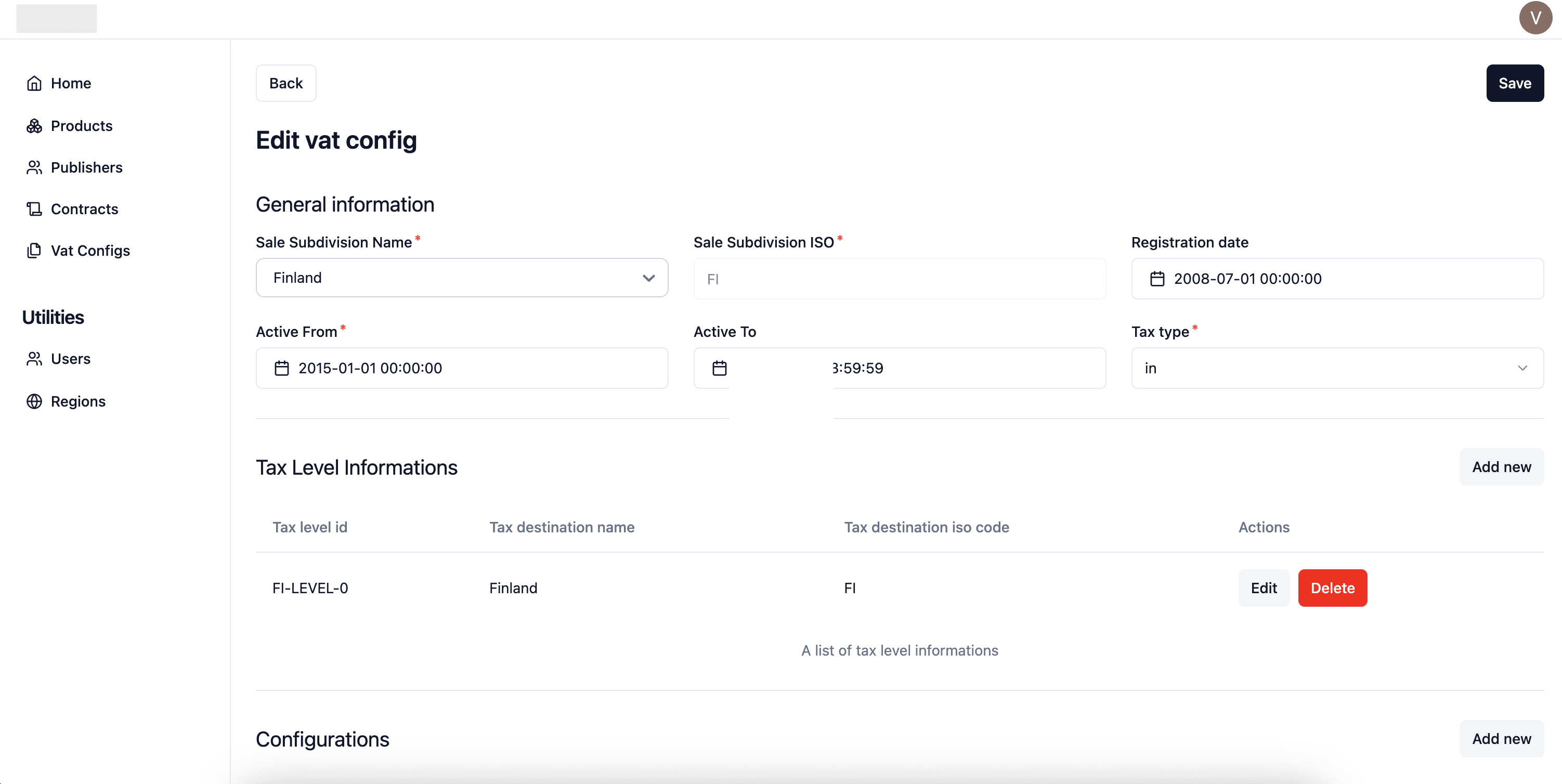
Rebuilding a finance subscription app around fewer manual errors
A finance company needed its subscription-management app rebuilt. This project is under NDA, so I describe only the factual technical scope — no client name, no confidential detail.

wMenu
wMenu: a multi-language QR menu restaurants can run themselves
wMenu lets restaurants and bars publish a digital QR menu in several languages — no app, always up to date. I led development of the product, from the customer-facing menu to the subscription billing behind it.
Common questions
Do I have to replace the tools my team already uses?
Almost never. The whole point is to make the tools you already pay for work together — your CRM, inbox, invoicing, forms and calendars mostly have the connections needed, they just aren't wired up. I'd only suggest swapping a tool if it genuinely can't do the job, and I'll explain exactly why before you spend a cent.
Isn't automation an expensive, risky project?
It doesn't have to be. I work incrementally, automating one step at a time and testing each against real cases, so there's no big-bang launch that can take the business down. You see value from the first automation, and we only go as far as the return justifies — you're never committing to a giant project up front.
What can realistically be automated in my business?
The best candidates are the repetitive, rule-based steps: routing new leads, sending confirmations and follow-ups, moving data between tools, generating invoices, and compiling routine reports. Anything needing real human judgment stays with your team — automation handles the busywork around it, not the decisions. After mapping your process I'll show you exactly which steps are worth it and which aren't.
What happens when my process changes later?
I build automations to be adjusted, not set in concrete, and I document how each one works so it's never a black box. When your process changes — a new tool, a new step, a new rule — the setup can be updated to match, and I stay available to make those changes or hand off clear enough documentation that your team can. You're not locked into anything.
The service that fixes this
Business automation and API integrations →
Vlad Sedenko
Web Product Developer · 12+ years
I personally scope, build and ship the fix — no account managers, no hand-offs. You work directly with the developer doing the work.
LinkedIn →